



MS Access 2007: Open a table in Datasheet mode
This MSAccess tutorial explains how to open a table in datasheet mode in Access 2007 (with screenshots and step-by-step instructions).
Question: In Microsoft Access 2007, how can I open a table in Datasheet mode?
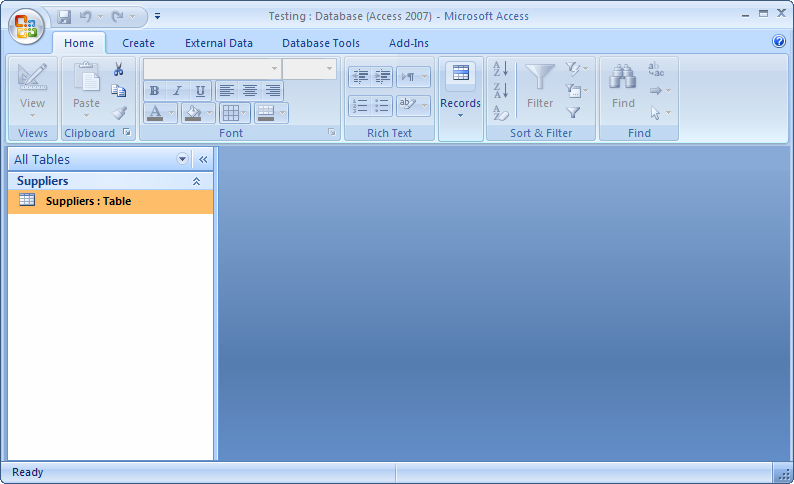
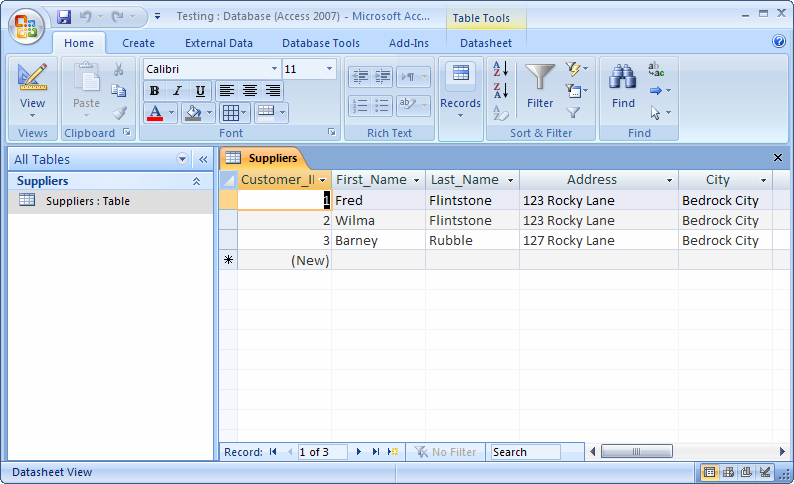
Answer: To open a table in datasheet mode, double-click on the table name in the left window.
The window on the right should now display the records for the table.
Advertisements