



MS Access 2007: Display tables in the Navigation Pane
This MSAccess tutorial explains how to display all of the tables in the navigation pane in Access 2007 (with screenshots and step-by-step instructions).
Question: In Microsoft Access 2007, how do I display all of my tables in the Navigation Pane?
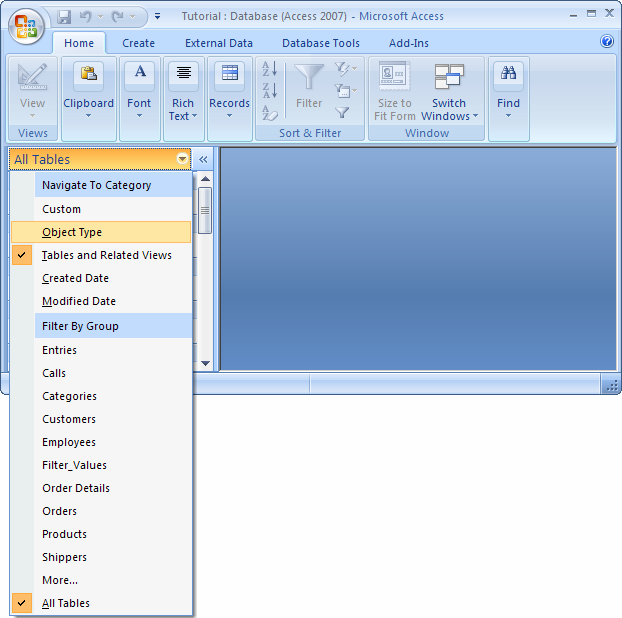
Answer: To view the tables in the Navigation Pane, click on the Navigation Pane menu and select "Object Type" from the popup menu.
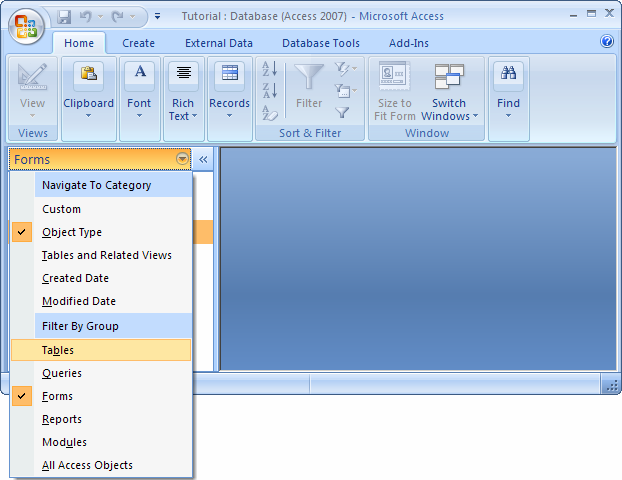
Click on the Navigation Pane menu one more time and select "Tables" from the popup menu.
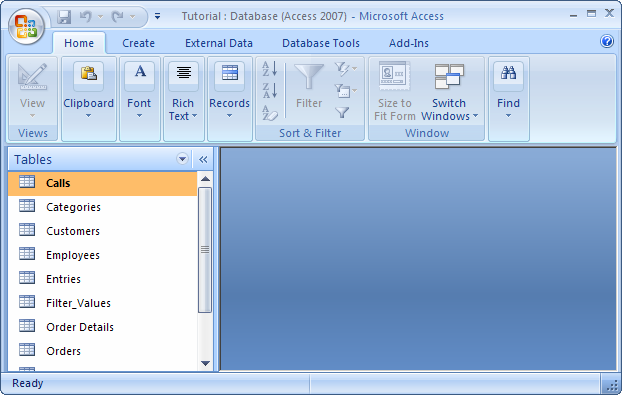
Now the Navigation Pane should display all of the tables that are in your database.
Advertisements