



MS Word 2007: Create a superscript value
This Word tutorial explains how to create a superscript value in Word 2007 (with screenshots and step-by-step instructions).
See solution in other versions of Word:
Question: In Word 2007, how do I convert text to superscript?
Answer:Select the text that you'd like to convert to superscript. Then select the Home tab in the toolbar at the top of the screen. Then click on the Superscript button  in the Font group.
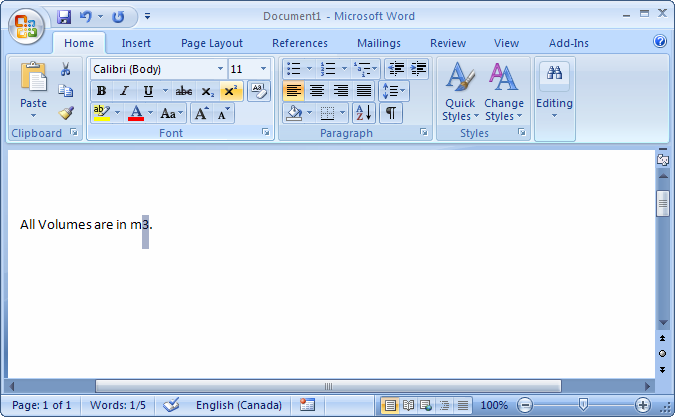
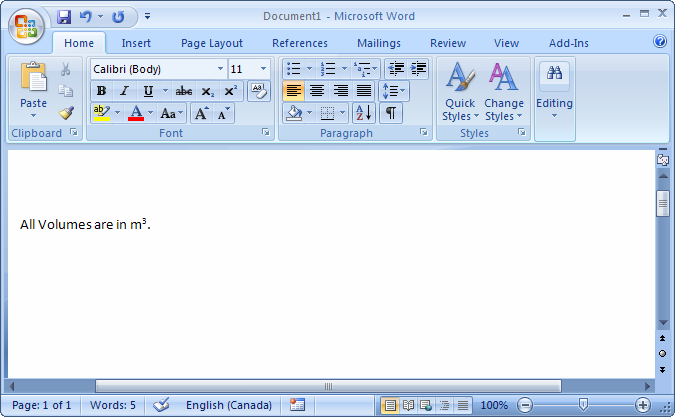
Now when you view your document, the text should be converted to superscript.


Advertisements