



MS Access 2003: Create a Form
This MSAccess tutorial explains how to create a form in Access 2003 (with screenshots and step-by-step instructions).
See solution in other versions of MSAccess:
How to create a Form
Let's look at creating a new form "from scratch".
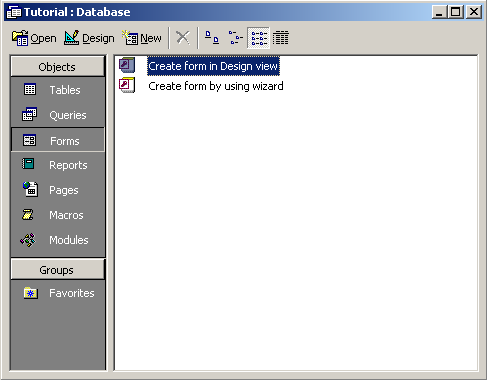
In the database window, select Forms along the left toolbar. Then click on the New button.
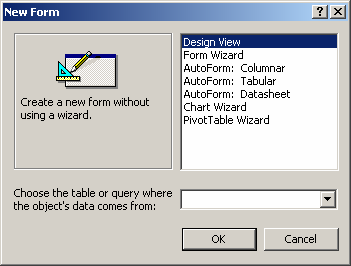
The New Form window should appear. For the purposes of this tutorial, highlight the option called Design View and click on the OK button.


Advertisements